

01
Just one
Single tool
One focused app for the moment in front of you.
$18.99 one-time purchase
1 app + 7 PDFs · one complete toolkit
Choose a tool01 · Find the moment
Launch 12 collection
Offline browser tools and practical PDF companions for the moment your brain gets stuck without another system to maintain.

02 · Choose what fits
The smallest useful choice stays first.
Just one
One focused app for the moment in front of you.
1 app + 7 PDFs · one complete toolkit
Choose a toolConnected set
Four related tools for problems that often show up together.
Save $35.97 vs 4 singles
View the 3 bundlesBest value
All 12 tools across the eight problem areas in this collection.
$6.67 per tool · save $147.89
03 · See the tool
Adult ADHD tools · Current collection
Browse by the problem in front of you. Every card shows the real included app, the exact single-tool price, and where to see the full details.
Choose by the stuck moment,
not by ambition.
Showing all 12 tools.
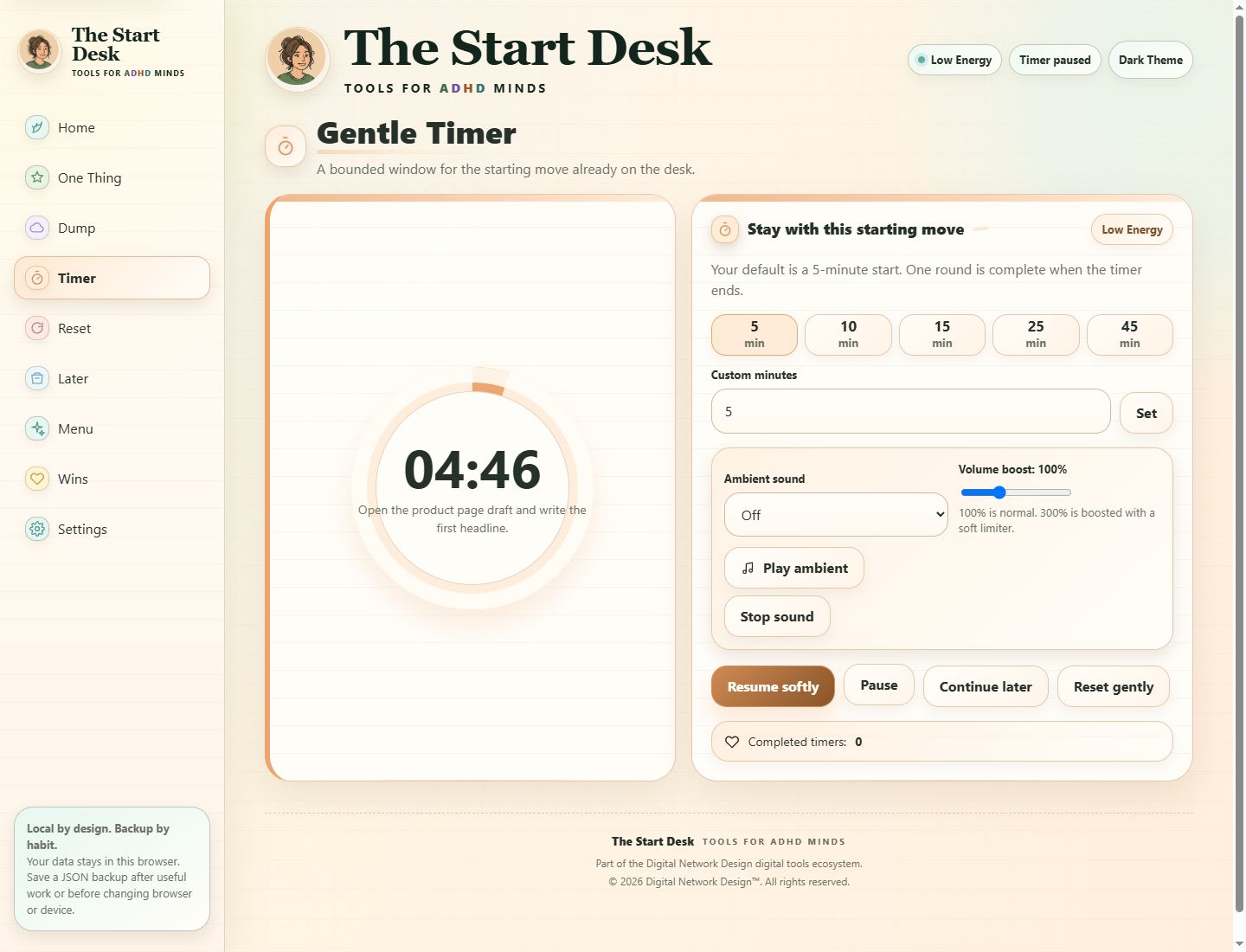
Turn one stuck moment into one tiny start.
Single-tool price $18.99
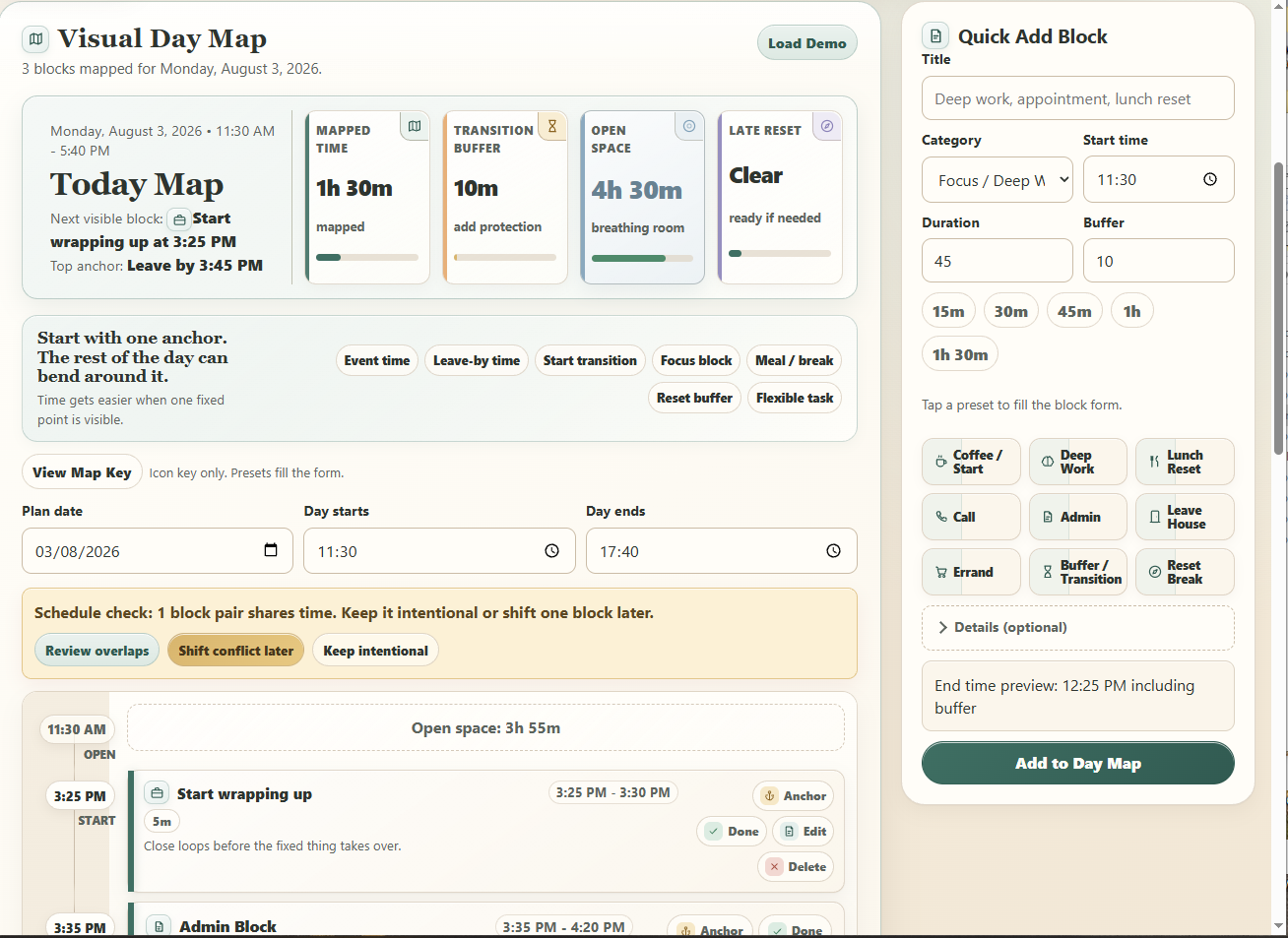
Make the next fixed point and usable window visible.
Single-tool price $18.99
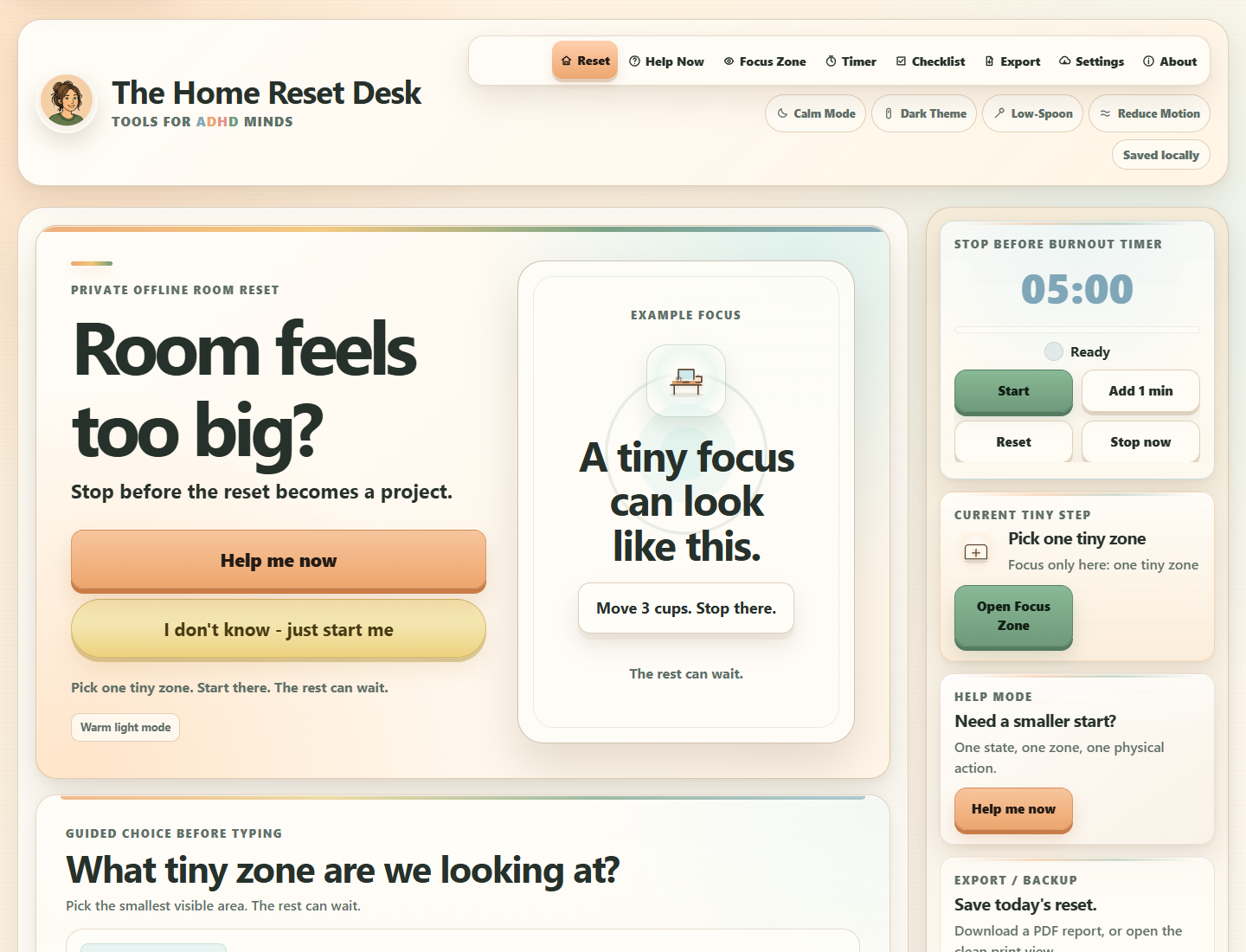
Shrink a whole room to one manageable zone.
Single-tool price $18.99
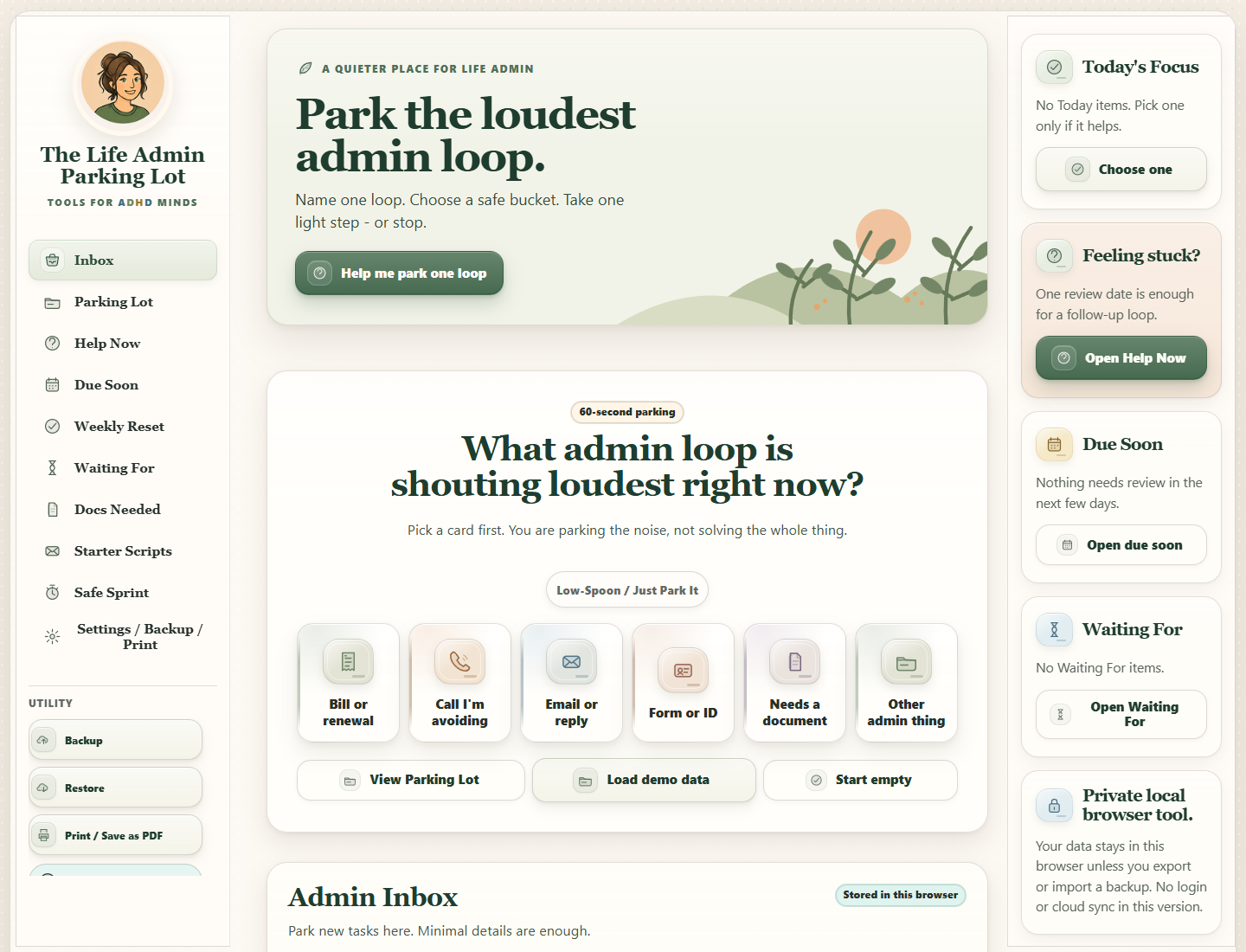
Park one loud admin loop, then choose one safe next move.
Single-tool price $18.99
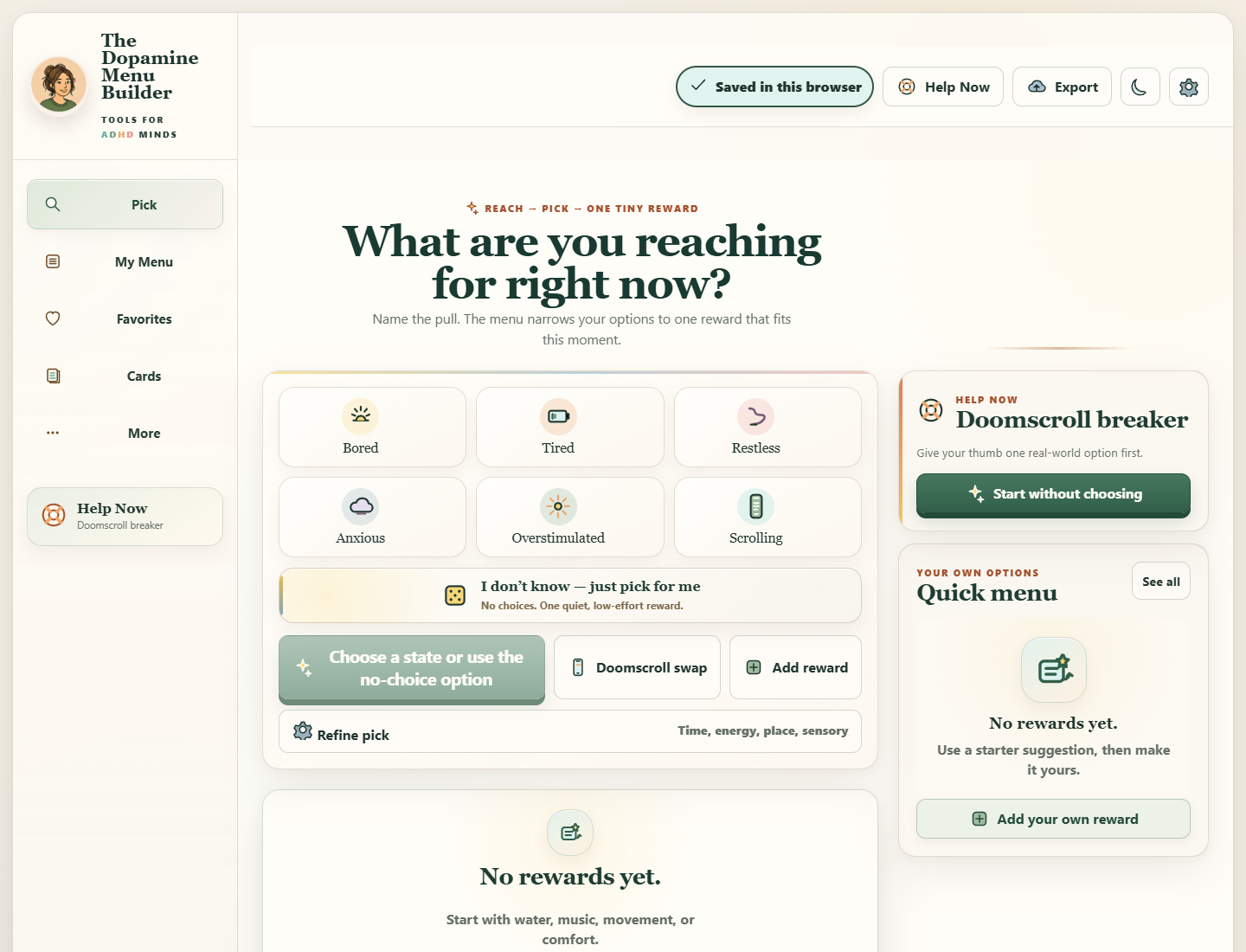
Choose one reward that fits what you need now without getting lost in the menu.
Single-tool price $18.99
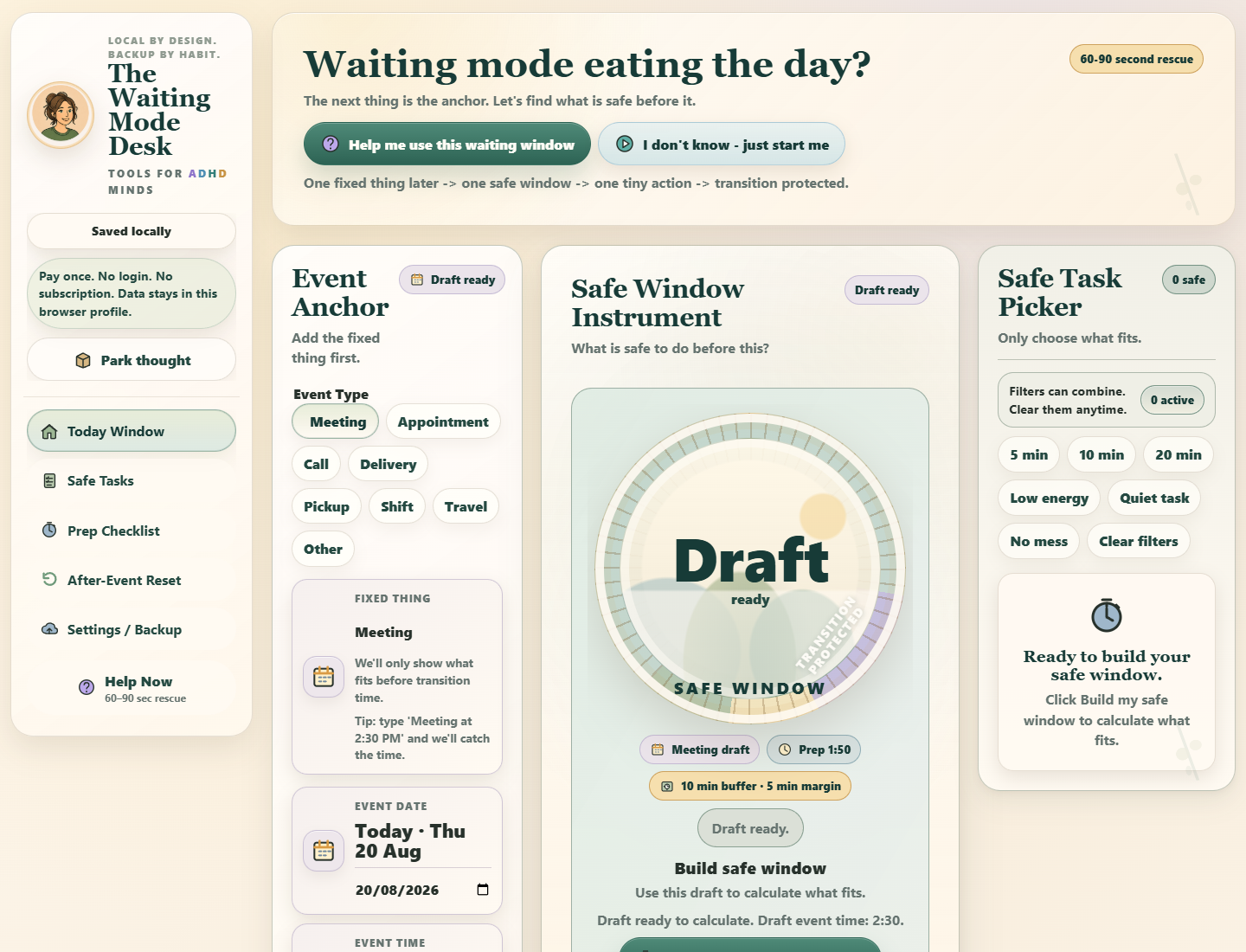
Protect the safe window before the thing you are waiting for.
Single-tool price $18.99
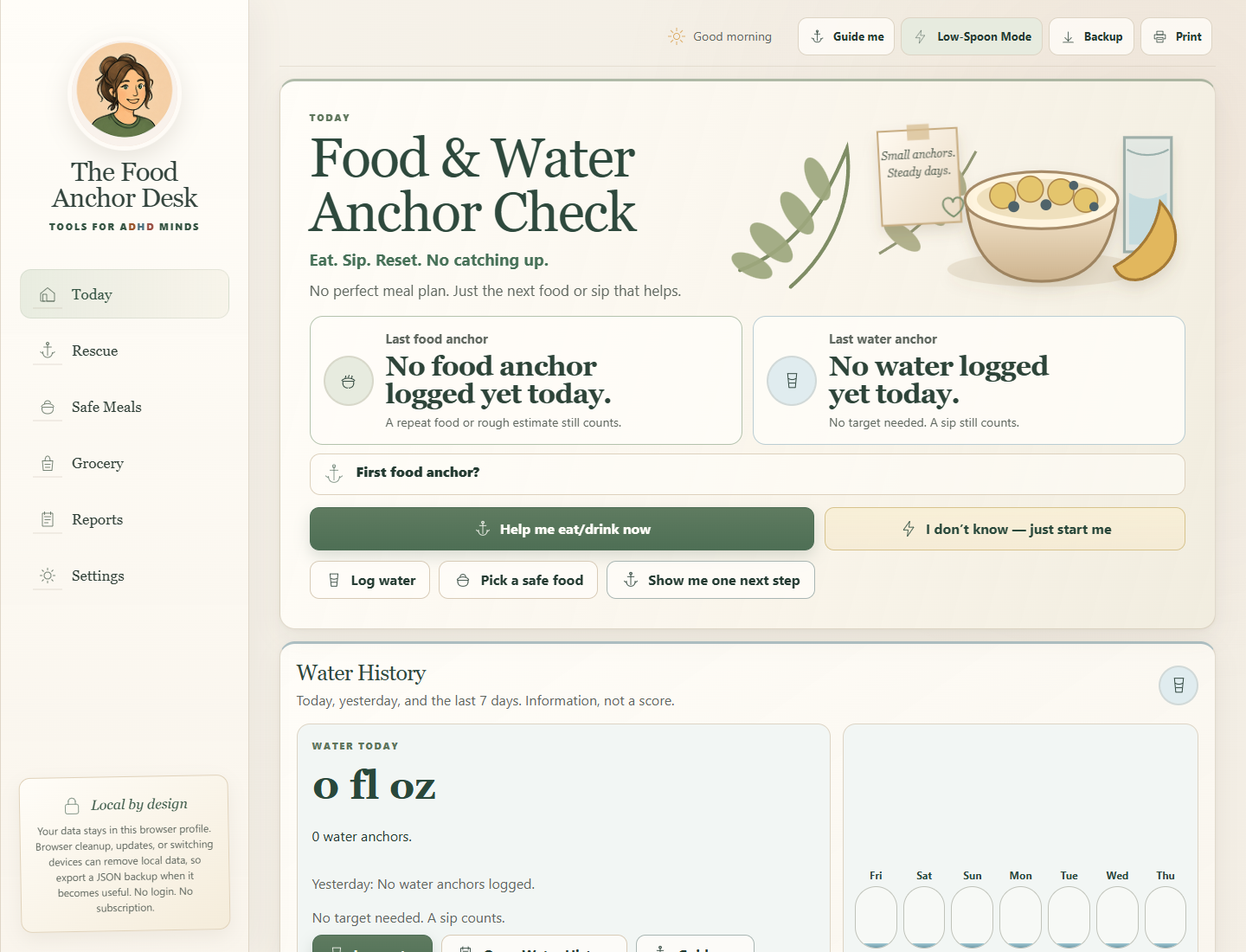
Reduce the choices until one food or water anchor feels doable.
Single-tool price $18.99
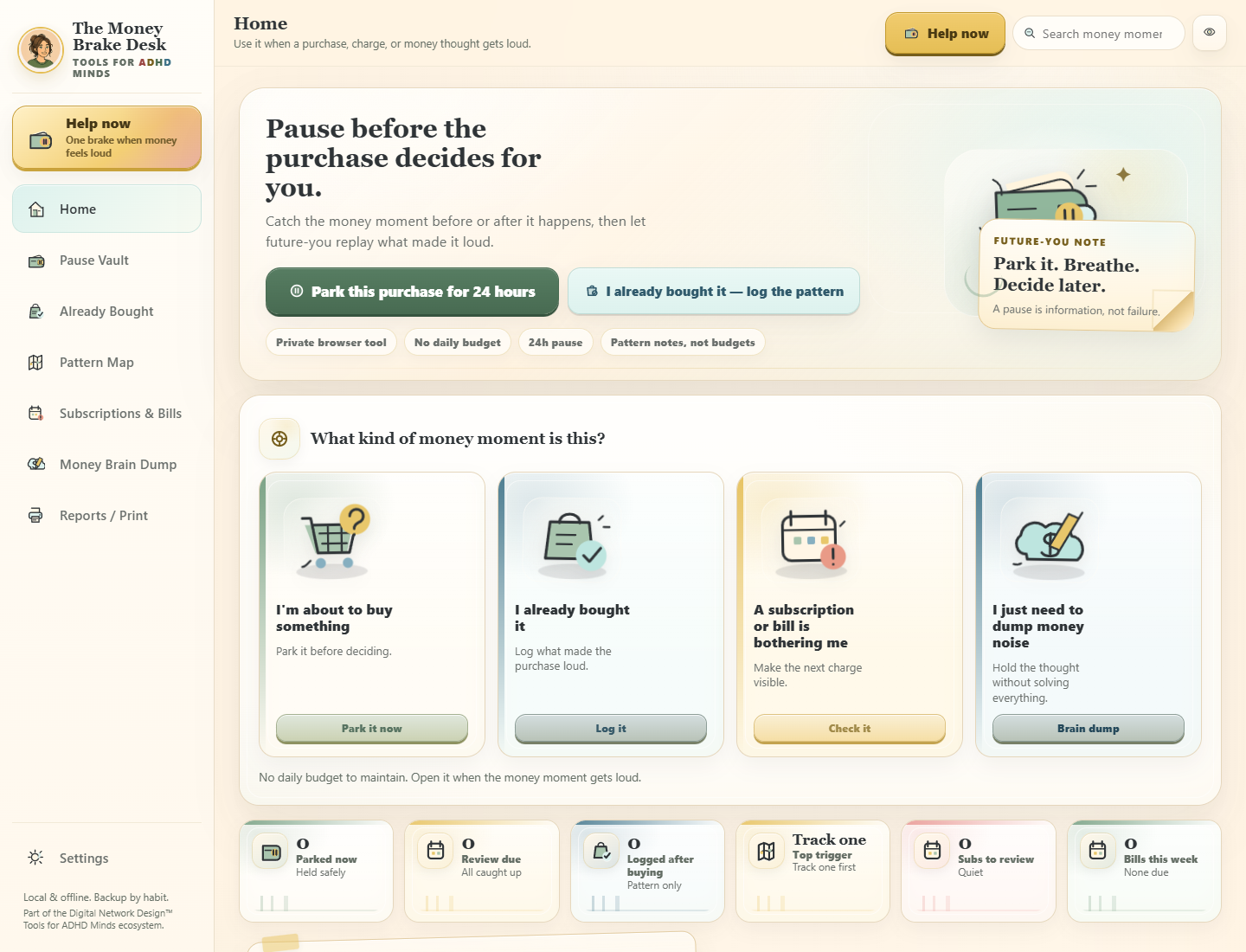
Pause a loud money decision and replay it outside the hot moment.
Single-tool price $18.99
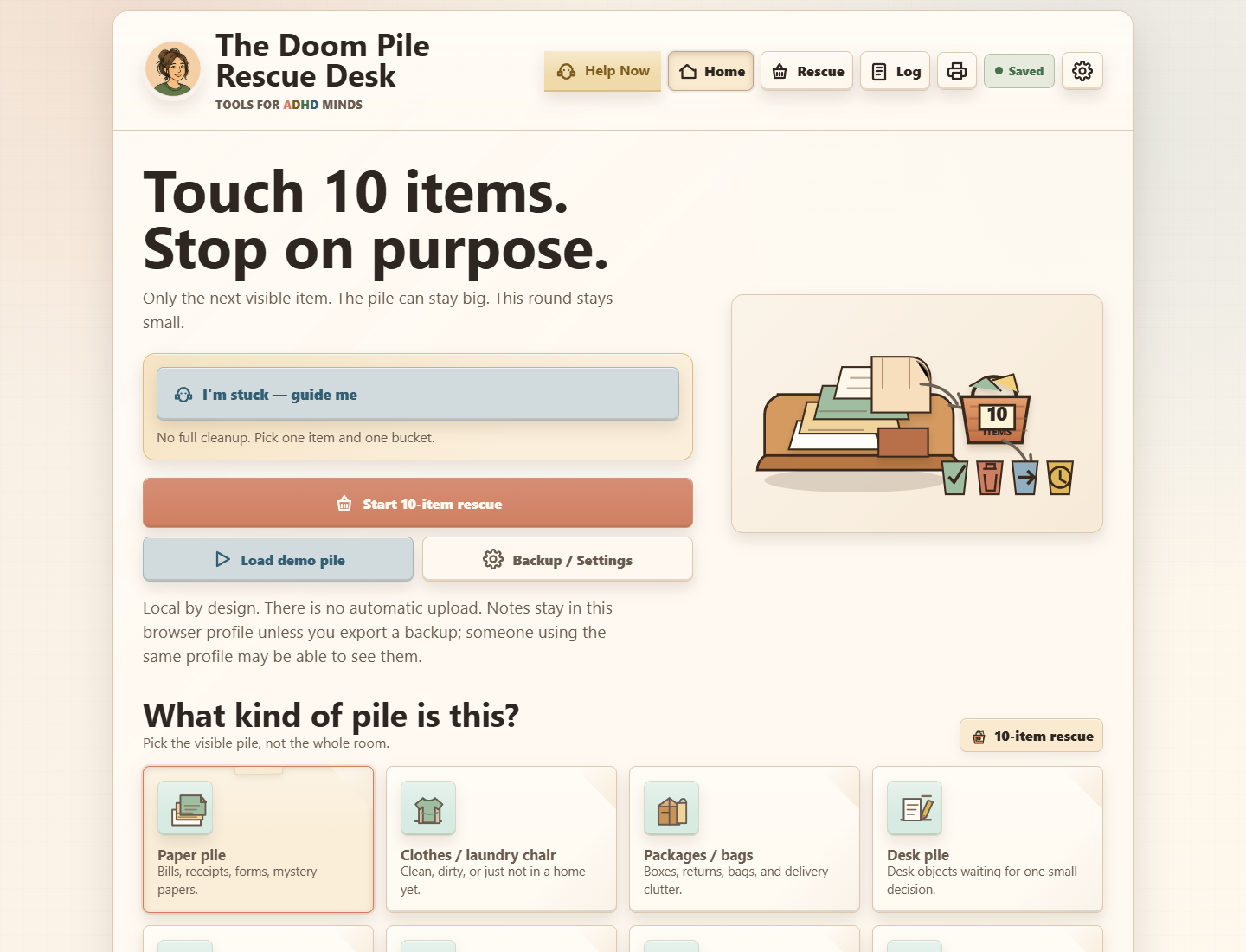
Rescue one item without turning the pile into a whole-room project.
Single-tool price $18.99
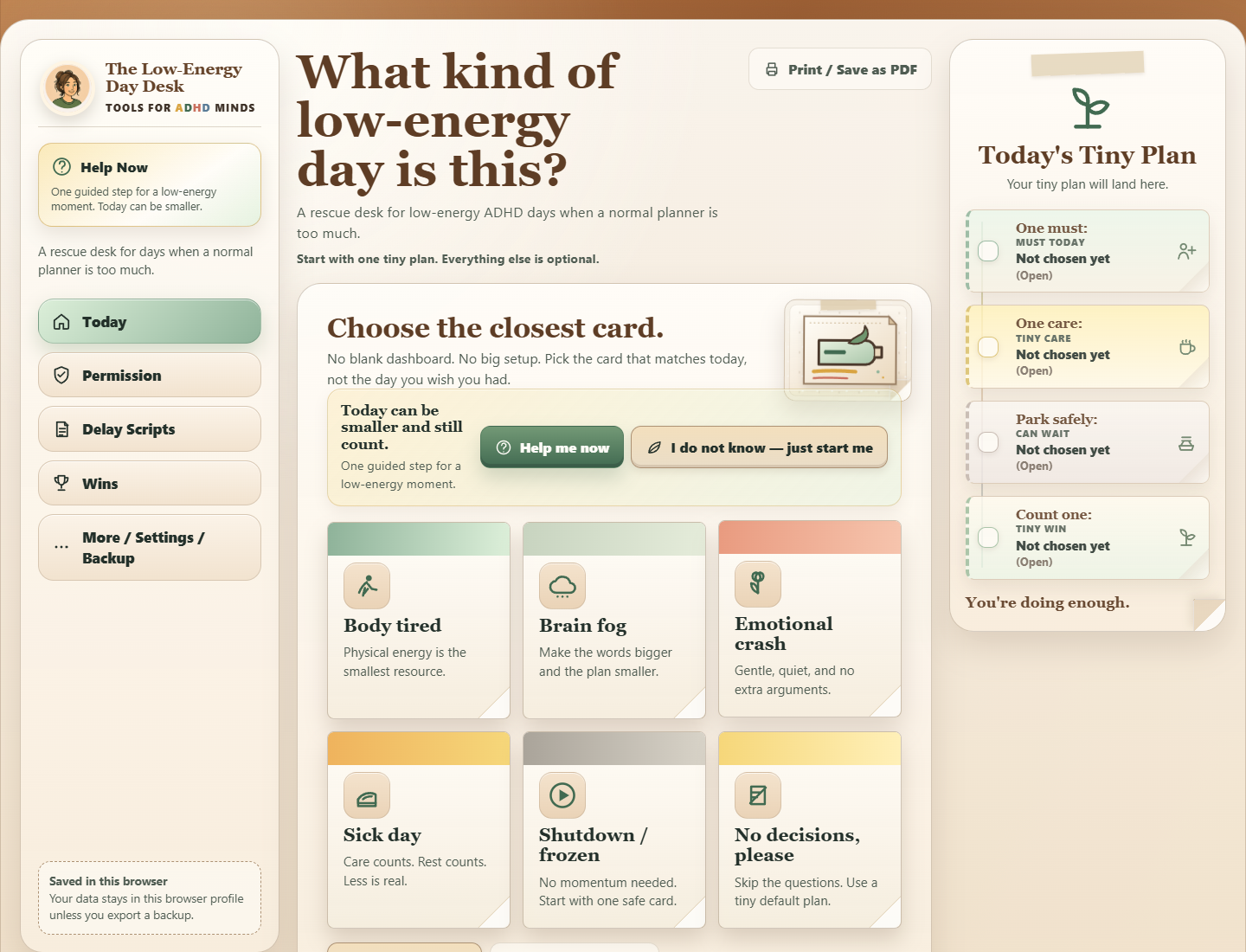
Build the day from capacity, not guilt.
Single-tool price $18.99
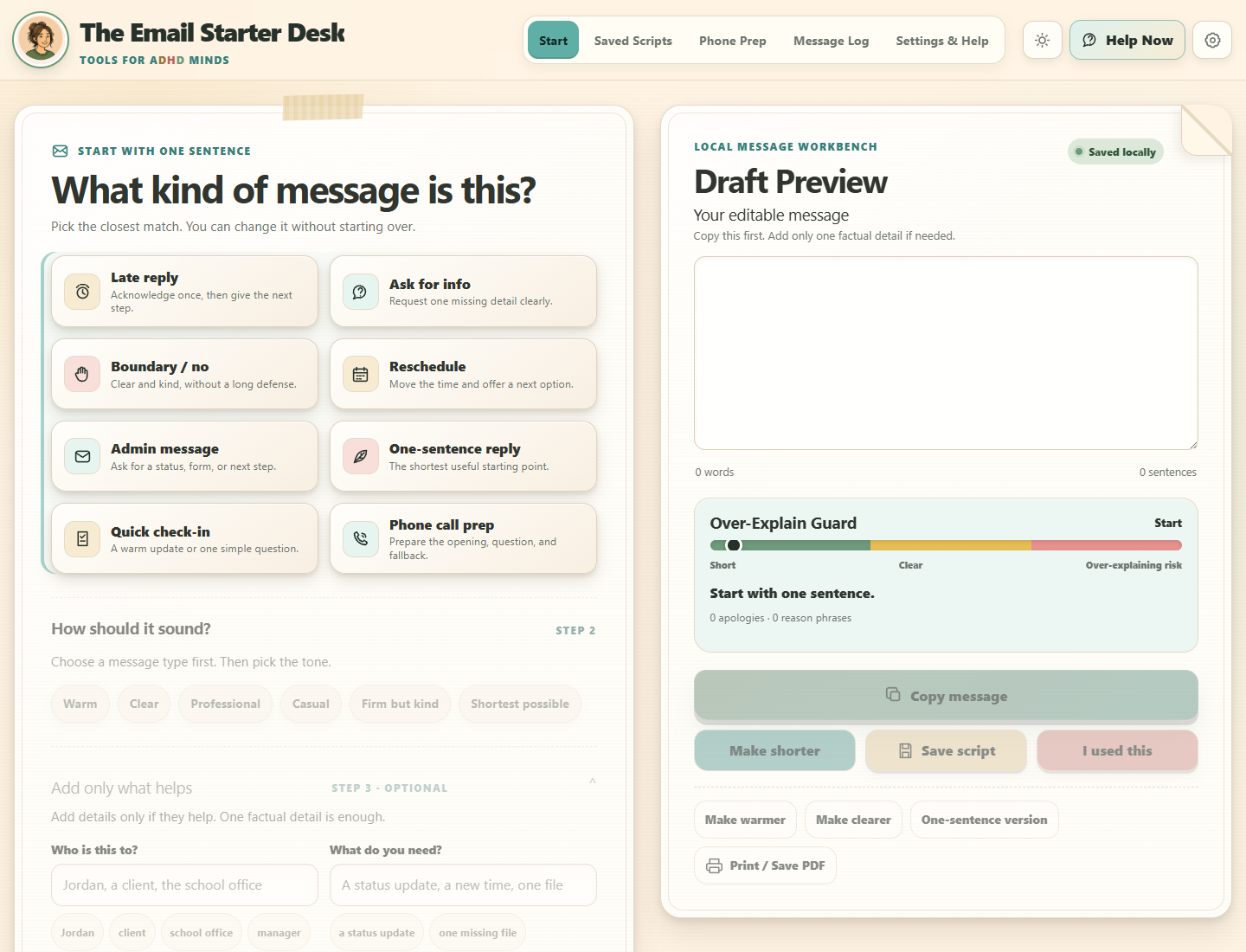
Get a clean first line without turning the message into an essay.
Single-tool price $18.99
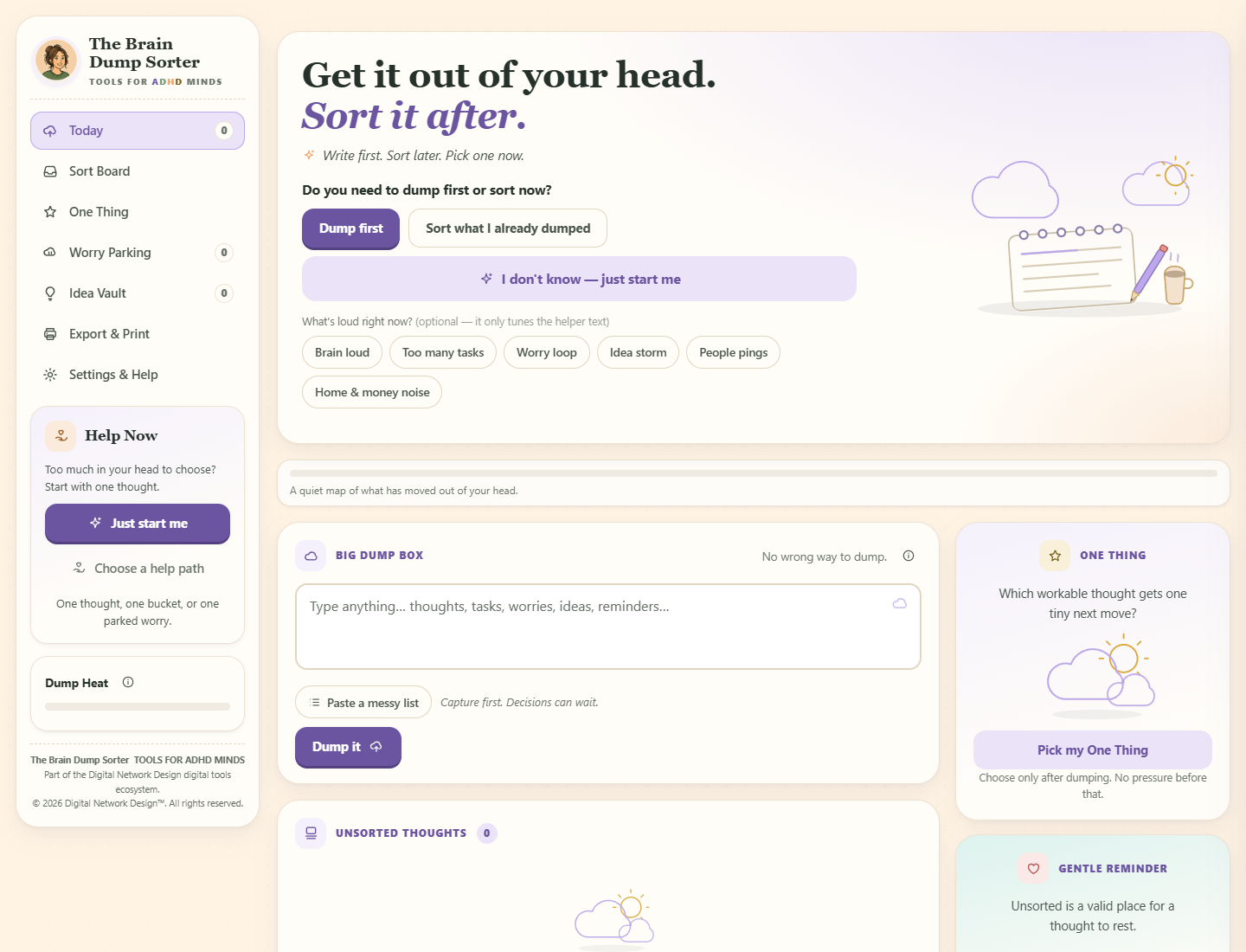
Write first, sort later, then choose one tiny next move.
Single-tool price $18.99
04 · Connect the moments
Three fixed four-tool bundles
Four connected tools.
Never a mystery box.
For days when starting, time, transitions, or low energy keep getting in each other’s way.
One-time price $39.99
Save $35.97 vs 4 singles For clutter, unfinished admin, and messages that keep taking up space on the desk or in your head.
One-time price $39.99
Save $35.97 vs 4 singles For choosing a reward, pausing a money decision, getting food or water in, and clearing mental noise.
One-time price $39.99
Save $35.97 vs 4 singles05 · Use only the useful part
One toolkit, not another obligation
Every single-tool package contains one standalone browser app and seven PDFs: START HERE, four product companions, access and backup guidance, and the personal-use license.
Made for restarts,
not streaks.
Start with what feels stuck now, not with a new life system.
Use the app to narrow the noise to one visible, usable action.
Use the companion pages, backup guidance, or a clean stopping point.
Where your work is saved
Your saved work stays in that browser and profile. Nothing syncs automatically, so use the included export and backup guidance before changing devices, browsers, profiles, or clearing data.
Understand local data, backups, and moving devicesGood to know before you choose
See what's included, how your files and mobile access arrive, and where to get help.
Read all buyer FAQsBoth. Each toolkit pairs an interactive browser app with print resources for the same method when you want to step away from the screen or use paper.
No. The tools are designed around specific stuck moments rather than one giant system you have to maintain. Open the smallest tool that fits, use the useful part, and stop when the moment is handled.
Yes. The standalone tools work in current phone, tablet, and desktop browsers. Each product page also shows the included download and protected PWA access route.
Start with today
Choose the problem in front of you.
One useful next move is enough.
With your permission, we count page visits, video plays, and sales-link clicks to help improve this website. We do not send email addresses, app notes, or a visitor ID.
It starts off. Your choice is saved in this browser and expires after 180 days. You can change it here at any time, without affecting purchases or app access.
Off until you choose to allow it.