
A guided 60–90 second route
Get to one useful next move without setting up a complete planning system.
Interactive tools for real ADHD stuck moments
Focused browser tools for starting, time, clutter, admin, low energy and other real-life moments—without becoming another planner to maintain.
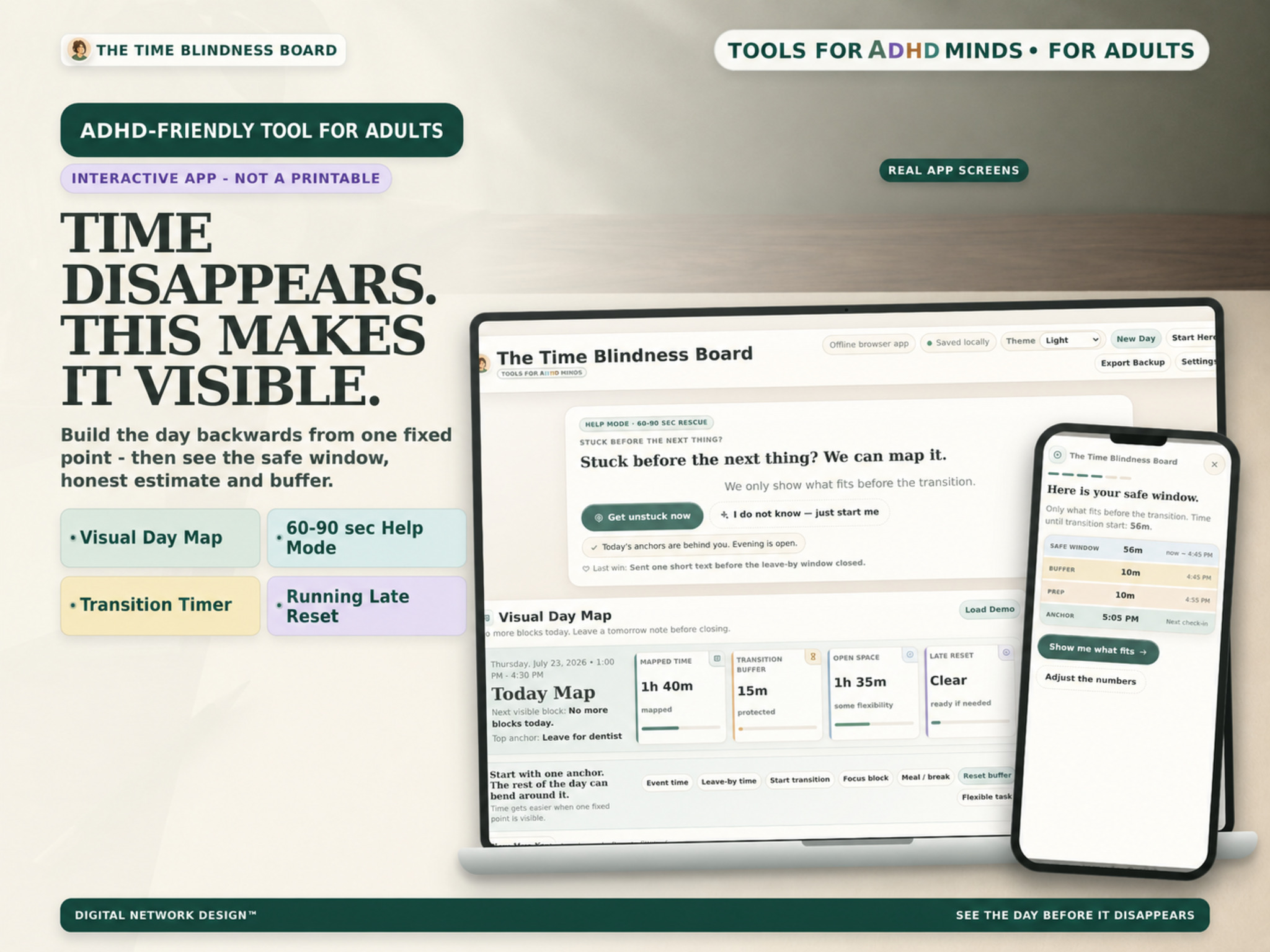
01 A real browser tool with a companion print system.
Start with the moment
Choose the problem in front of you, then open one focused tool.
Calm by design
Less setup. Less maintenance. A clearer path from stuck to moving.
Get to one useful next move without setting up a complete planning system.
Use focused modes for mapping, transitions, or rebuilding a day that changed.
Each tool keeps the screen and decision path focused on the stuck moment in front of you.
Your entries stay in the browser location you use, with exportable backup where supported.
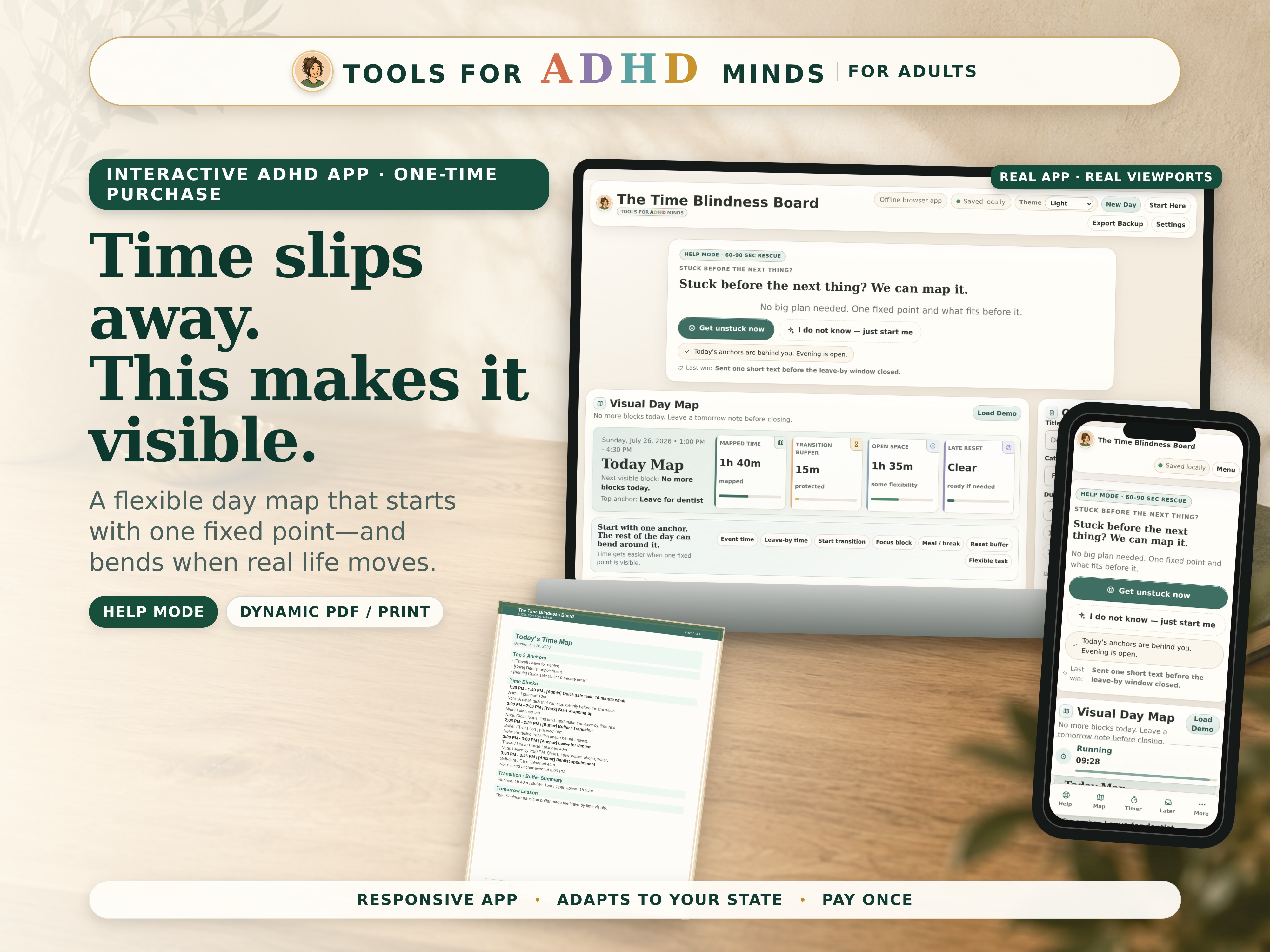
Featured interactive tool
See the day before it disappears.
Start from one fixed point, reveal the safe window around it, and choose what realistically fits before the transition.
Choose your scope
Start with the problem you came to solve. Expand only when a wider toolkit fits.
Best fit for this problem
The focused Time Blindness Board app and companion print system.
Broader support
A connected set of tools for time and transition stuck moments.
Complete adult toolkit
The complete adult toolkit across the full set of stuck moments.
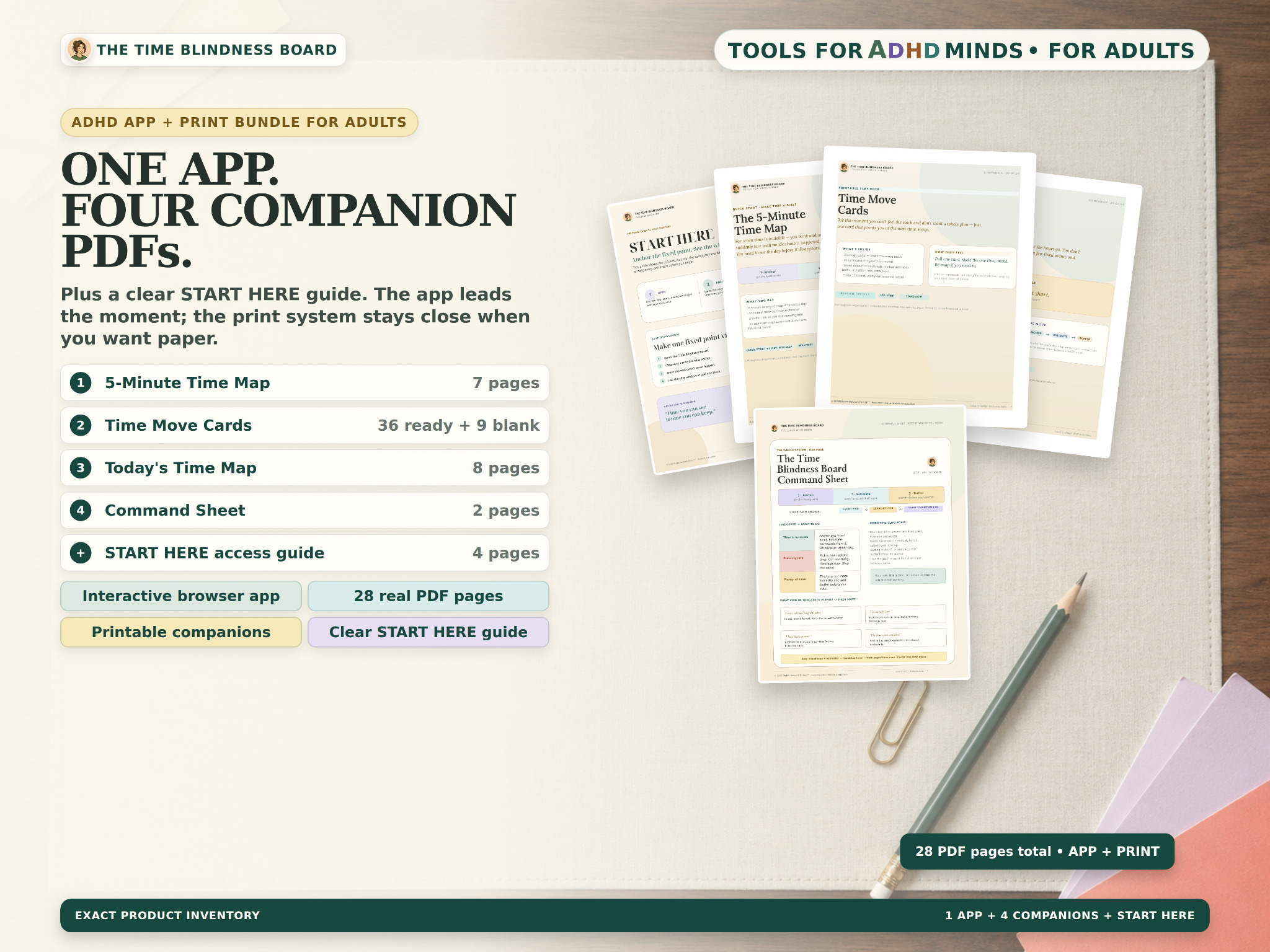
App + print companions
The interactive app handles the live moment. Companion maps, cards and guidance give you options away from the screen.
Local by design
Your work stays in the browser location you use. Export a backup before moving devices or changing browsers. Data does not sync automatically.
Good to know
Both. The interactive browser app builds and adjusts your live day map, while four companion PDFs give you quick-reference and printable ways to use the same method.
Yes. The interface is responsive and designed for current phone, tablet, and desktop browsers.
The app saves map and time-learning data locally in the browser location you use. Different devices, browser profiles, or app locations can hold separate data.
Yes. Export a JSON backup and save it somewhere you control, then import it in the destination browser location. Data does not sync automatically.